


Finance and accounting
Manage the general ledger, accounts payable and receivable, invoices, expenses, budgets, and bank transactions. Configure VAT and tax records around your business processes and applicable requirements.
Bring finance, people, customers, inventory, and daily operations into one independent ERP system built around the way your business works.
Enterprise resource planning software gives your teams a shared place to manage business records, follow workflows, and understand day-to-day activity. A custom ERP can replace scattered spreadsheets and disconnected tools with a system shaped around your processes.
Your ERP can operate as a complete, standalone application. It can have its own users, permissions, data, and business modules. Integrations with accounting, payment, CRM, or other platforms are optional and added only when they support a clear requirement.
DotNet Expert plans and develops custom ERP software for organizations that need practical workflows, reliable records, and room to evolve as the business changes.
An ERP system connects the information and routine processes your organization needs to run. Start with the modules that matter now and expand them when priorities change.
Your ERP remains useful on its own. Optional connections to third-party systems can be planned separately when required.
Configure an ERP around the responsibilities and information flows in your organization. Modules can share data while giving each team a focused workspace.
Manage the general ledger, accounts payable and receivable, invoices, expenses, budgets, and bank transactions. Configure VAT and tax records around your business processes and applicable requirements.
Manage quotations and sales orders, prepare invoices, follow payment and delivery status, and organize campaign records to review marketing activity.
Maintain employee records and manage recruitment stages, attendance, leave, payroll preparation, onboarding, and performance tracking.
Monitor current stock across locations, record receipts and transfers, set reorder levels, and track adjustments or damaged items.
Maintain supplier records, request and compare quotations, issue purchase orders, manage approvals, and track receiving and supplier bills.
Coordinate stock movement, logistics, shipping, and distribution so teams can follow goods through the supply process.
Keep customer profiles, enquiries, communication history, service requests, and follow-up tasks organized in one place.
Add this optional module when your organization makes products. It can support production plans, bills of materials (BOMs), material requirements, work orders, schedules, and quality checks.
Give managers role-based views of financial, customer, workforce, inventory, purchasing, and operational activity.
Your ERP stays the central business application in each setup. Select the hosting approach according to your access, infrastructure, and data requirements.
Connect other systems only when your requirements call for it. The ERP can manage its core workflows independently.
A purpose-built ERP gives teams a consistent way to manage routine work and understand activity across the organization.
Use clear steps for requests, reviews, approvals, and handoffs.
Reduce duplicate entry by giving authorized teams access to current information.
Review activity and trends through reports that support real business decisions.
Add modules and workflows as your processes and priorities change.
Review requirements and key decisions at each stage, from early planning through launch.
Understand goals, users, workflows, existing data, and project constraints.
Define modules, roles, data structure, deployment, and optional integrations.
Review key screens and workflows with the people who will use the ERP.
Develop the agreed capabilities and test workflows, access, and data handling.
Plan data migration, environment setup, user review, and operational readiness.
Deploy the ERP, support adoption, and prioritize improvements from feedback.
We turn business requirements into maintainable ERP software with clear scope, practical architecture, and visible delivery milestones.
Map user roles, workflows, records, and approvals before planning modules.
Consider security, maintainability, usability, and future changes from the start.
Plan for testing, deployment, handover, and continued improvement after release.
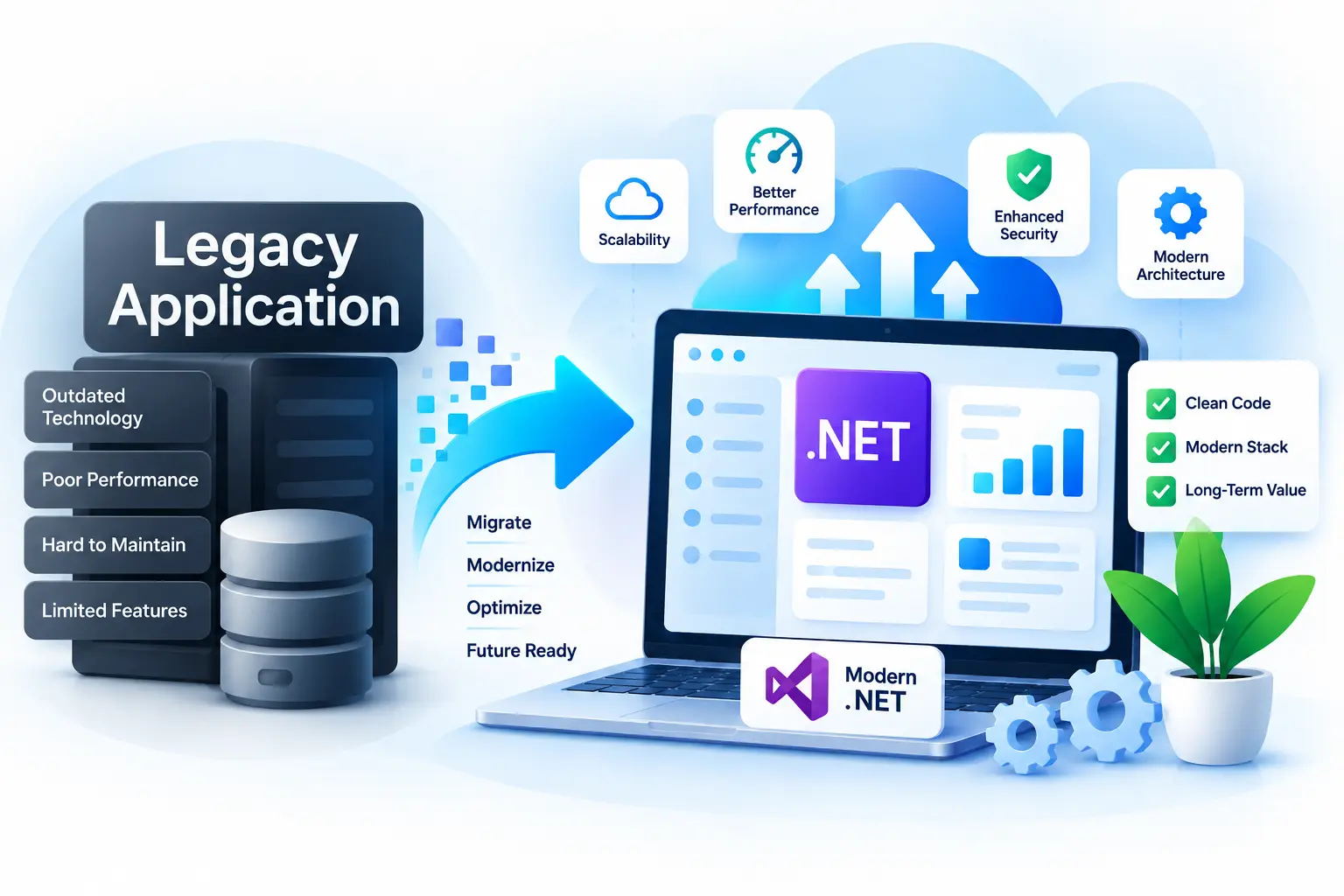
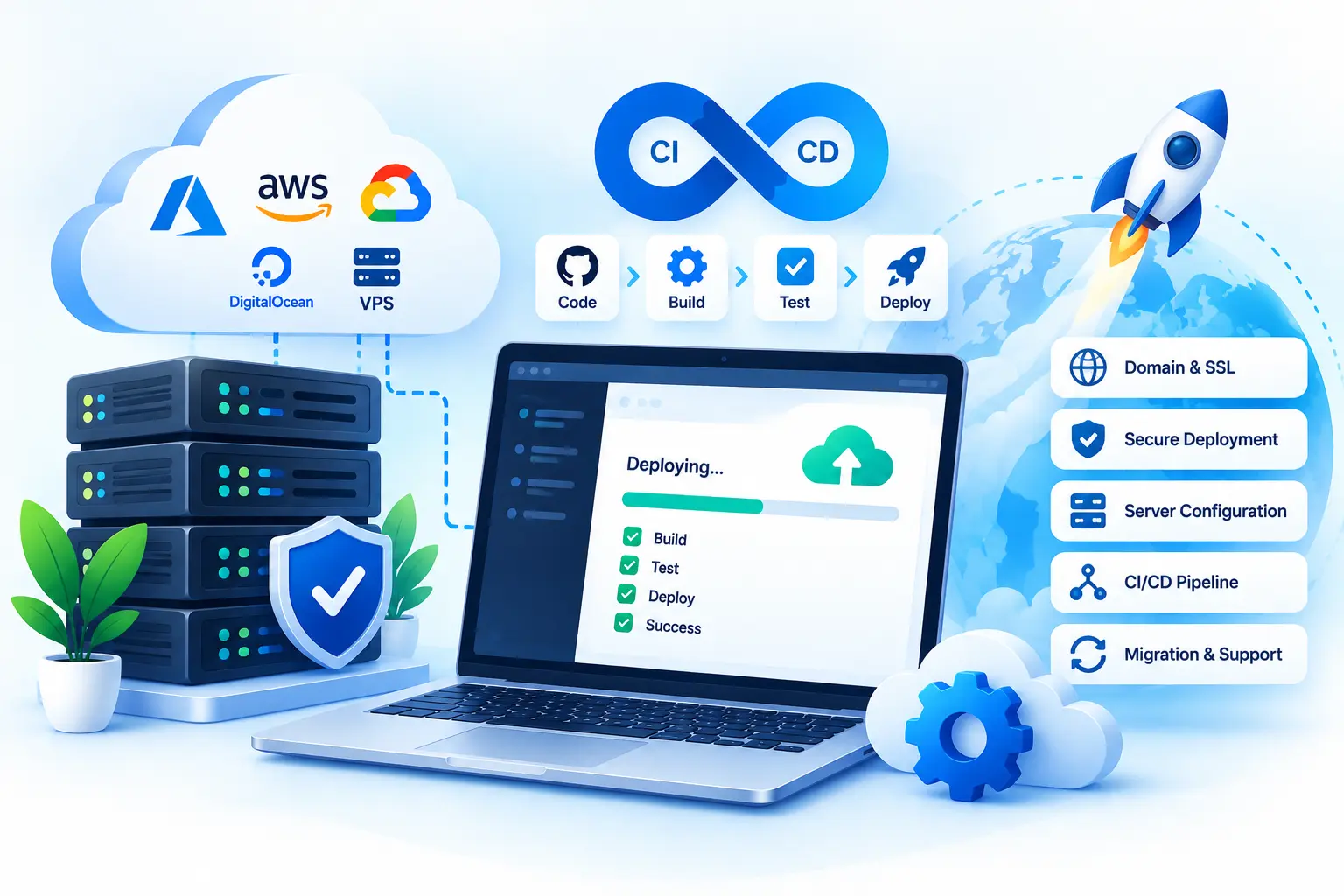
Explore our additional .NET services to build, modernize, deploy, maintain, and integrate business applications.
Our custom Healthcare Software Development services are based on the following technologies:


Tell us about your project, requirements, or technical challenges. We'll help you explore the right solution and next steps.
 Start a Conversation
Whether you have a new idea or need help with an existing application, we're here to help.
Get in Touch No obligation · Let's talk about your project
Contact us today to schedule a free, 20-minute call to learn how DotNet Expert Solutions can help you revolutionize the way your company conducts business.