Improve deployment reliability, automate releases, and simplify application delivery
with practical DevOps engineering support.
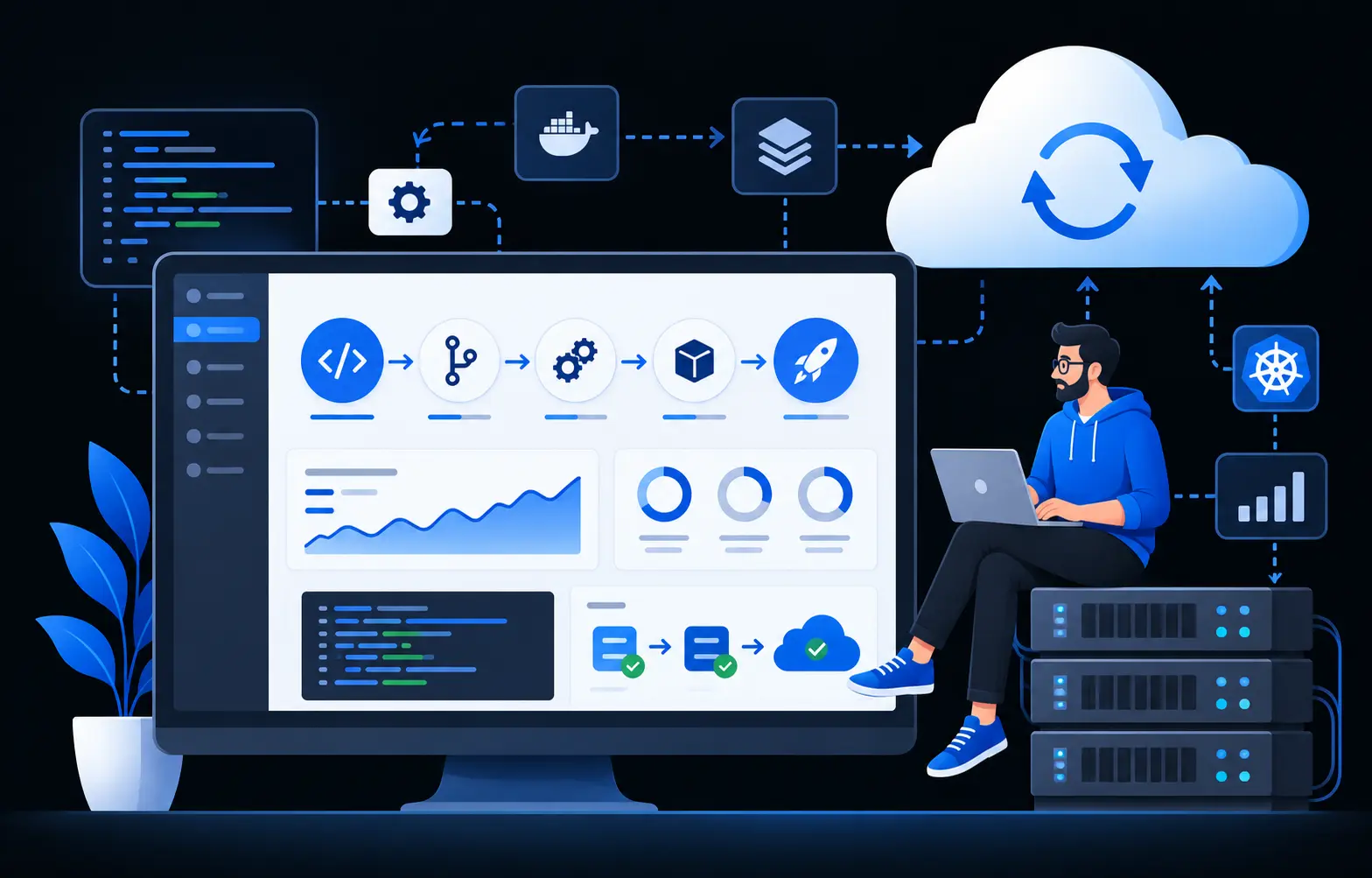
DotNet Expert works with Azure DevOps, GitHub Actions, CI/CD pipelines, Docker,
Azure, AWS, IIS, Windows Server, and production deployment environments.
Whether you need to fix an unreliable pipeline, automate manual releases, configure a
deployment environment, troubleshoot production issues, or support an existing development
team, we can focus on the DevOps work your application actually needs.
DevOps Technologies & Platforms We Work With
DevOps is not simply a collection of tools. A useful DevOps setup creates a reliable path
from source code to build, testing, deployment, and production.
DockerEnvironment ConfigurationMonitoringDeployment TroubleshootingSSL / HTTPSProduction Support
The goal is not to add tools for their own sake. We use the platform and automation
that fit the application, hosting environment, and release process.
What Can a DevOps Engineer Help You With?
You may already have an application, repository, hosting environment, and deployment
process. DevOps support can improve specific parts of that workflow without requiring a
completely new infrastructure.
CI/CD Pipeline Setup
Create automated workflows for building, testing, publishing, and deploying
applications.
Existing Pipeline Improvements
Improve pipelines that are unreliable, difficult to maintain, slow, or dependent
on repetitive manual work.
Deployment Automation
Automate repeatable deployment steps so releases are more consistent and easier
to reproduce.
Environment Configuration
Work with environment variables, connection strings, secrets, deployment settings,
application configuration, and environment-specific values.
IIS & Windows Deployment
Configure and troubleshoot ASP.NET Core, MVC, Web API, Blazor, and other .NET
applications running on IIS or Windows Server.
Azure Deployment Support
Deploy and configure applications on Azure App Service and related Azure
environments.
Docker Support
Prepare or improve Docker-based application environments and resolve
container-related configuration or deployment issues.
A deployment problem does not automatically mean your current DevOps platform needs to be
replaced. If you already use Azure DevOps, GitHub Actions, Docker, IIS, Azure, AWS, or
another established workflow, we first review what is already in place.
Reduce unnecessary manual steps and improve reliability without replacing tools
that still fit the application.
03
Support Ongoing Delivery
Continue with pipeline updates, release support, environment changes, automation,
and production troubleshooting as the application evolves.
CI/CD for .NET Applications
A well-designed .NET CI/CD pipeline should make releases more repeatable without making
the delivery process difficult to understand.
Build & Validate
Restore dependencies, build the application, run available tests, and prepare
validated output for deployment.
Publish & Package
Create deployable artifacts using a clear and repeatable publishing process.
Deploy by Environment
Apply environment-specific configuration and deploy to the correct staging or
production target.
Verify the Release
Confirm the application started successfully and the deployment completed as
expected.
Deployment Automation
Manual deployment may work during the early stages of a project, but repeated manual
processes can eventually create inconsistent releases.
01
Build & Publish
Automate repeatable build, publish, and artifact preparation steps.
02
Environment Releases
Keep staging and production workflows predictable with environment-specific
configuration.
03
Migration & Restart Steps
Automate suitable migration, service restart, and application restart tasks where
they reduce manual error.
04
Approvals & Verification
Add practical approvals and release checks where the deployment process needs
additional control.
Cloud, Server & Container Environments
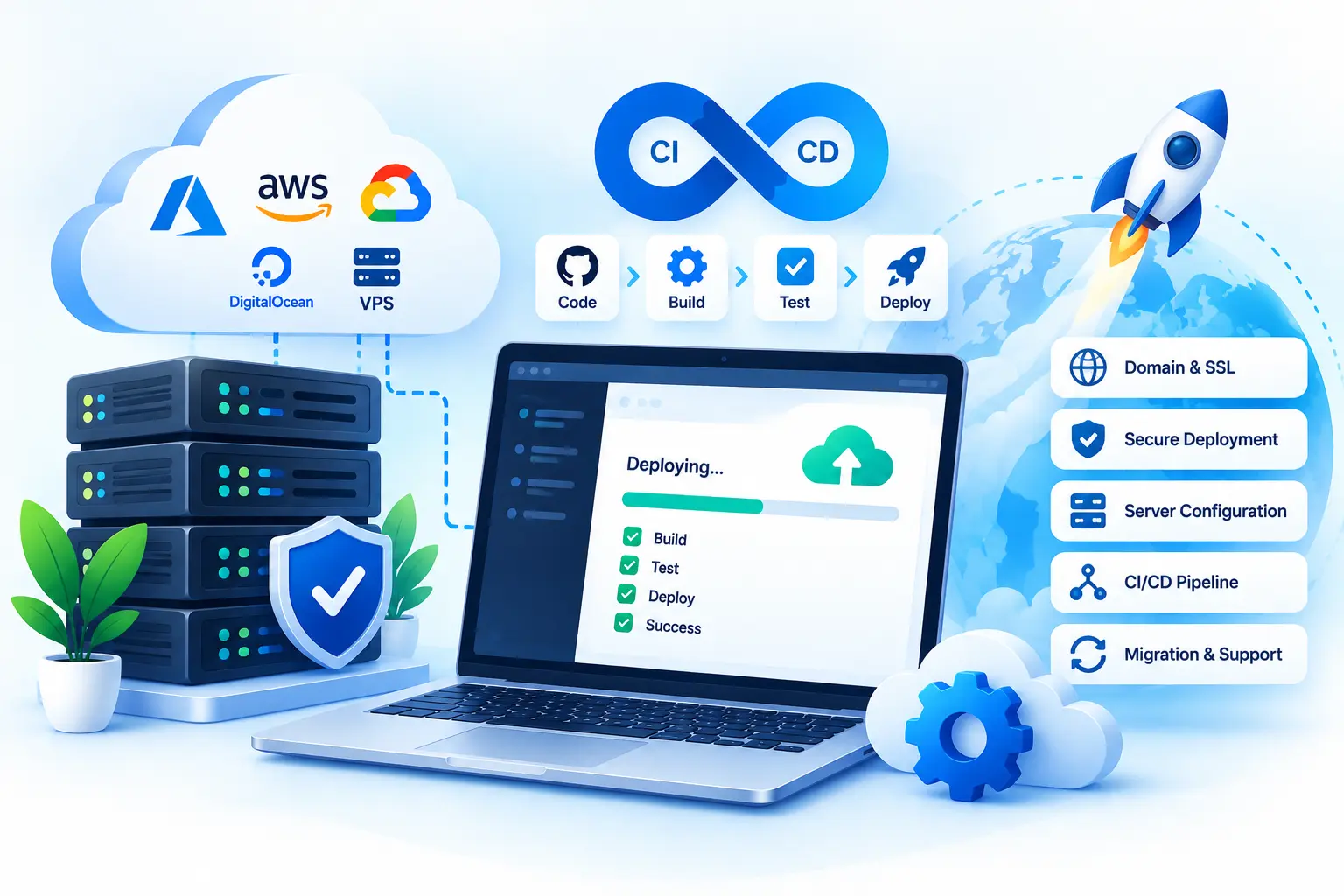
.NET applications can run across managed cloud platforms, virtual servers, traditional
Windows hosting, or containers. We can support environments including
Azure App Service, IIS, Windows Server, VPS hosting, AWS, and Docker-based deployments.
For projects that need a complete deployment service—from application publishing through
server, domain, SSL, database, and production configuration—see our
Web Deployment service.
Production Troubleshooting
A failed release is not always caused by application code. The problem may come from
configuration, permissions, hosting components, certificates, database connectivity, or
differences between environments.
You do not need to replace your current developers to improve the delivery process.
We can work alongside an existing development team and focus on CI/CD pipelines,
deployment automation, hosting configuration, environment management, Docker,
cloud deployment, production troubleshooting, and release support.
This lets application developers stay focused on product features while deployment-related
work receives dedicated attention.
Our DevOps Engineering Approach
01
Understand the Current Setup
We review the application, repository, current pipeline, deployment environment,
hosting platform, and the problem you are trying to solve.
02
Identify the Delivery Bottleneck
We determine whether the issue comes from the build process, pipeline configuration,
hosting environment, application settings, infrastructure, or deployment.
03
Improve Before Replacing
If the existing tools remain suitable, we improve them rather than introducing
another platform without a clear reason.
04
Automate Where It Adds Value
Repetitive or error-prone steps are good candidates for automation. Reliable simple
steps do not need unnecessary complexity.
05
Support Ongoing Delivery
Continue with pipeline updates, environment changes, releases, troubleshooting, or
additional automation as the application evolves.
Why Hire DevOps Engineering Support From DotNet Expert?
.NET-Focused Deployment Experience
Our DevOps work is closely connected with ASP.NET Core, MVC, Web API, Blazor,
and other .NET application environments.
Existing Pipeline Experience
We can work with the Azure DevOps or GitHub Actions setup you already have rather
than requiring a new platform.
Windows Deployment Knowledge
Experience with IIS and Windows Server helps reduce time spent diagnosing .NET
deployment failures.
Practical Automation
Automation is introduced where it improves consistency or removes repetitive work,
not simply to make infrastructure more complicated.
Development-to-Production Understanding
Understanding both application behavior and hosting environments helps identify
configuration, release, and runtime problems more effectively.
Focused Production Support
Support can continue beyond pipeline creation to include failed deployments,
environment problems, configuration changes, and release troubleshooting.
Existing Systems, Integrations & Modernization
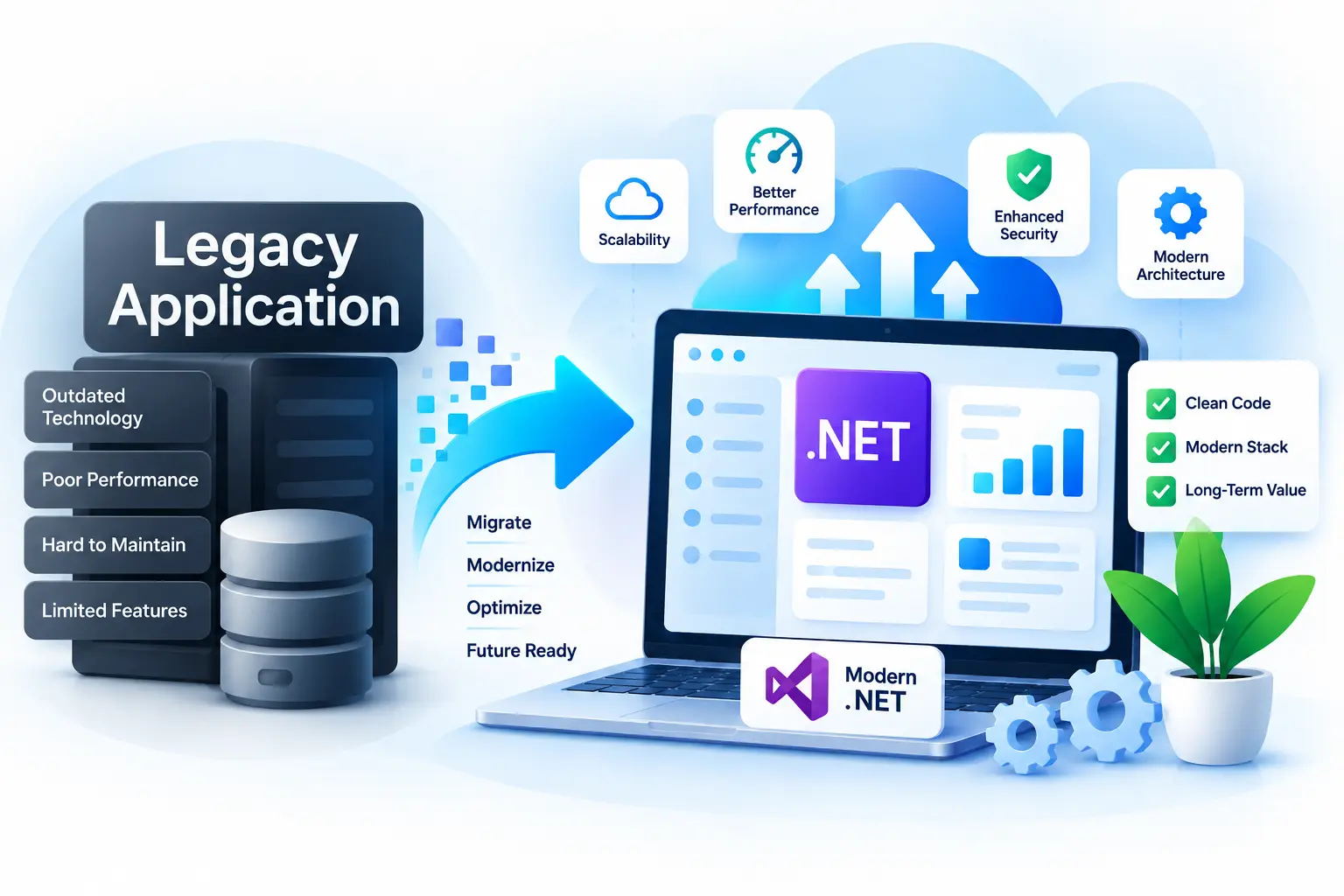
DevOps work often connects with broader application changes. If an older application also
needs framework, dependency, architecture, or hosting improvements, see our
Application Modernization service.
If deployment depends on external platforms, APIs, authentication providers, cloud storage,
payment services, or other external systems, our
Third-Party Integration service covers
broader integration requirements.
Simple DevOps Hiring Process
01
Share Your Current Setup
Tell us about the application, repository, hosting environment, CI/CD platform,
deployment process, and current issue.
02
Review the Workflow
We review the relevant pipeline, deployment settings, environment, and release
process.
03
Define a Focused First Task
Start with a failed pipeline, deployment workflow, IIS configuration, container
setup, or another clearly defined improvement.
04
Implement & Verify
We make the agreed changes and verify the workflow in the appropriate environment.
05
Continue When Needed
Support can continue with release automation, environment changes, troubleshooting,
monitoring, or pipeline improvements.
Frequently Asked Questions
Yes. We can review and improve existing Azure DevOps build and release pipelines
without requiring a complete replacement.
Yes. We can create or improve GitHub Actions workflows for build, testing,
publishing, and application deployment.
Yes. We can support ASP.NET Core, MVC, Web API, Blazor, and other compatible
.NET applications running on IIS and Windows Server.
Yes. We can support application deployment, configuration, environment settings,
CI/CD workflows, and deployment troubleshooting for Azure App Service.
Yes. We can work with Dockerfiles, .NET containers, environment configuration,
containerized application workflows, and Docker-related deployment issues.
Yes. We can investigate build failures, deployment errors, application startup
problems, environment configuration, permissions, runtime requirements, and
hosting issues.
Yes. We can focus on DevOps and application delivery while your existing team
continues working on application development.
Yes. For end-to-end application deployment rather than ongoing DevOps
engineering support, see our
Web Deployment service.
Hire a DevOps Engineer
If you need help with Azure DevOps, GitHub Actions, CI/CD pipelines, IIS,
Windows Server, Azure, AWS, Docker, release automation, or production troubleshooting,
tell us about your current environment and delivery process.
We can review the setup and identify a practical way to improve reliability without
replacing tools that already work.
Related .NET Services
Explore our additional .NET services to build, modernize, deploy, maintain, and integrate business applications.
Custom Web Application Development
Turn business requirements into scalable, secure, and intuitive web applications designed around your workflows and users.
.NET Application Modernization
Upgrade aging .NET applications with modern technologies, improved architecture, better performance, and a foundation for future growth.
Web Deployment & DevOps
Move applications from development to production with reliable deployment, hosting, CI/CD, server configuration, and release support.
Let's Work Together
Have a project in mind?
Let's build something that works for your business.
Tell us about your project, requirements, or technical challenges.
We'll help you explore the right solution and next steps.
✓
Clear Communication
Stay informed throughout the project
✓
Practical Solutions
Focused on your actual business needs
✓
Experienced Team
Professional development experience
Start a Conversation
Let's discuss your project
Whether you have a new idea or need help with an existing
application, we're here to help.
Get in Touch
→
No obligation · Let's talk about your project